

Reader Classic
Every feed you follow, in one calm stream
Reader Classic brings the sites you follow into one place. Subscribe to their feeds, sort them into folders, and read what is new in a single stream, newest first, with what you have already read set quietly aside.
It does one thing and keeps out of the way: no account, no algorithm deciding what you see, and no cloud service between you and the sites you read.
Highlights
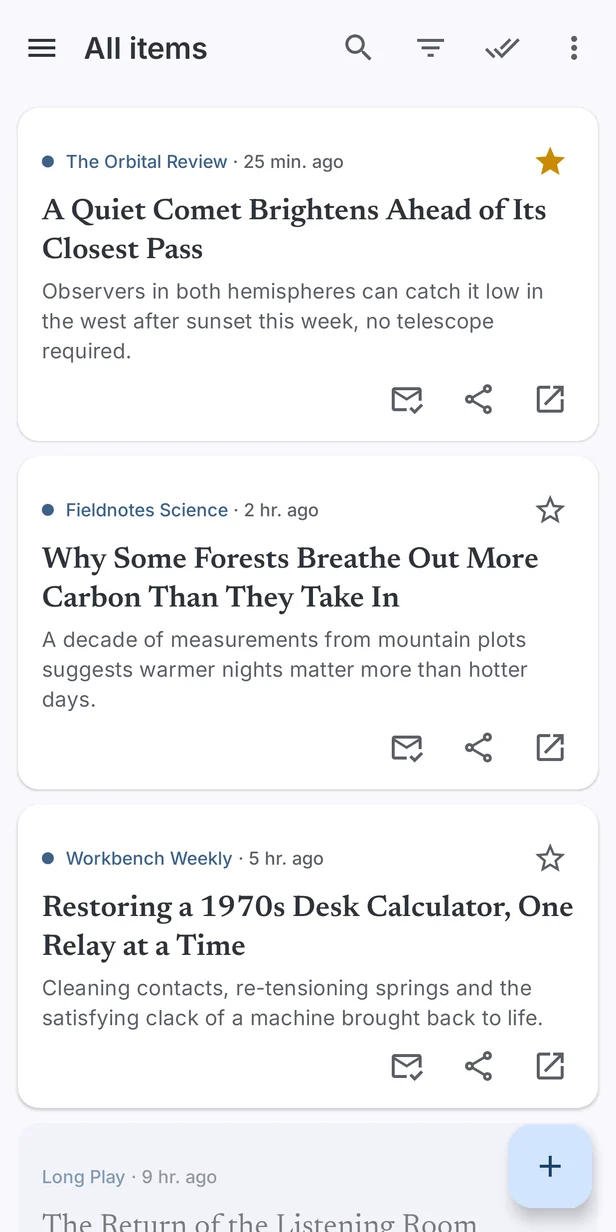
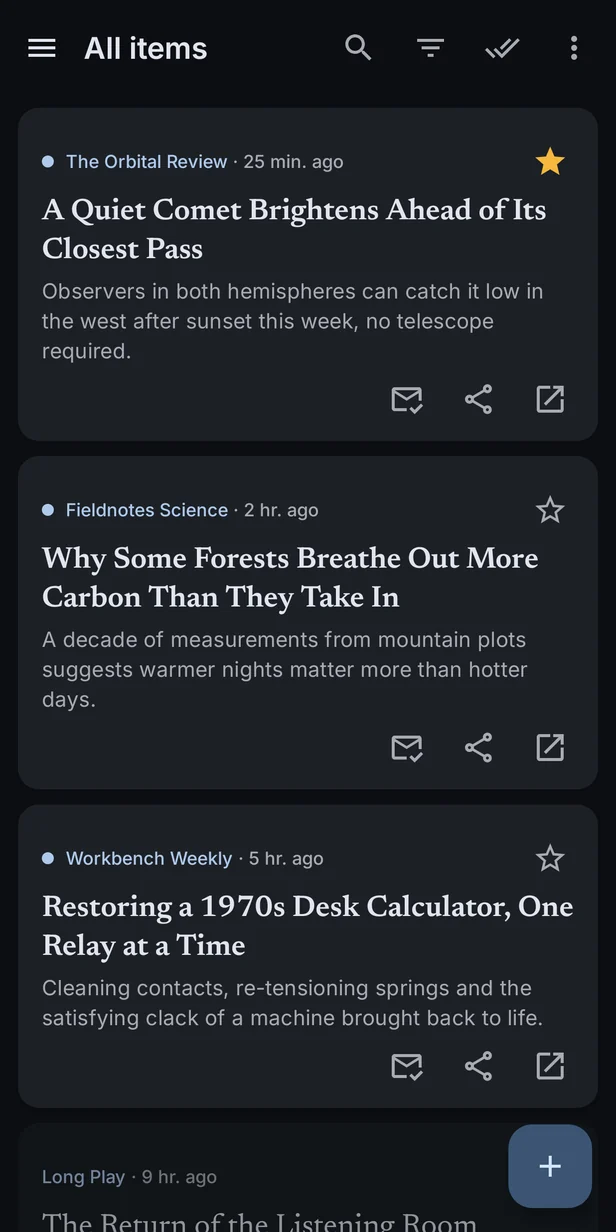
- One stream for everything: every new item from every feed, or just one folder or one feed, newest first.
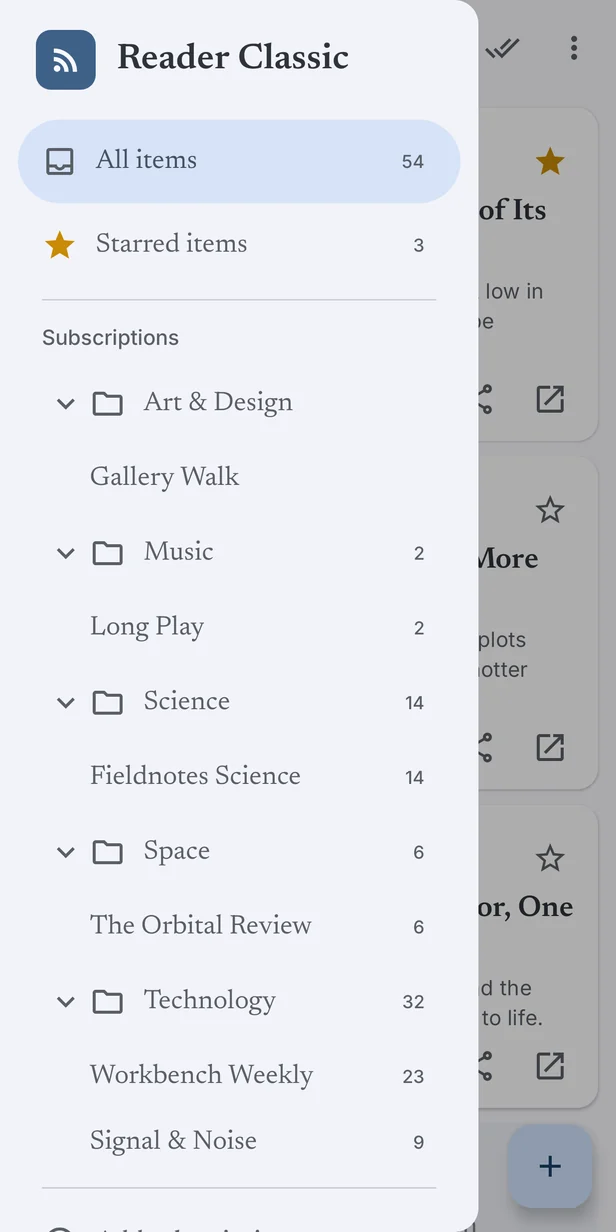
- Folders and unread counts, the way a reader should have them, in a drawer that shows what is waiting at a glance.
- Pull down to refresh, and Reader Classic checks every feed at once.
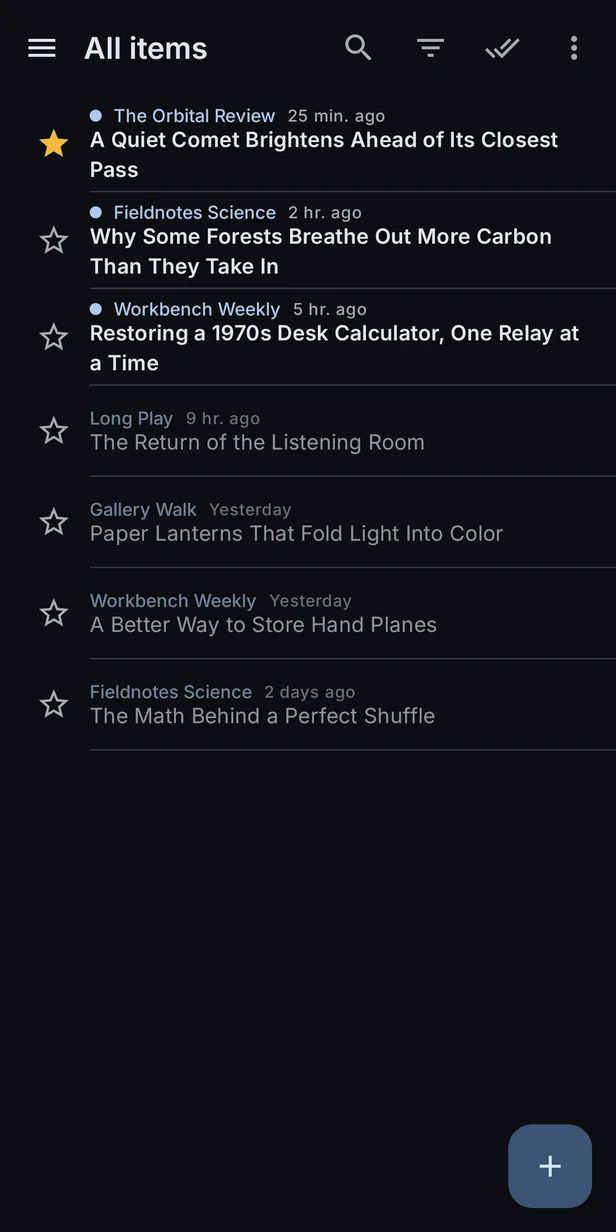
- Cards or a compact list: roomy cards with summaries, or a dense list of headlines to skim.
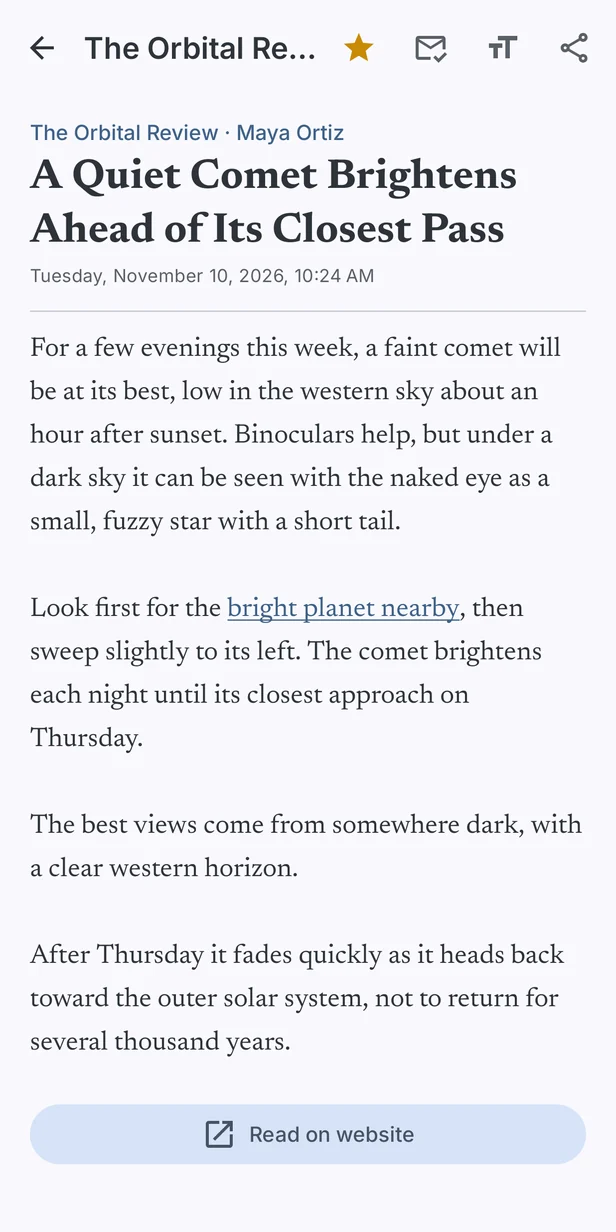
- A proper reading view, with formatted text, working links and adjustable text size, and the original article a tap away.
- Light, dark, or follow your phone, in a calm blue that is easy on the eyes either way.
- Nothing to sign up for: your subscriptions and reading history stay on your phone.
Start in seconds
The first time Reader Classic opens, it offers a short list of well-kept feeds in technology, science, space, music, art and design, and news. Tick the ones that interest you, or skip it and add your own. The same list is under Explore feeds whenever you want more.
To add any other site, paste its address. You do not need to find the feed itself: give Reader Classic the site’s home page and it finds the feed for you. You can also share a link to Reader Classic from your browser to subscribe.
Made for reading
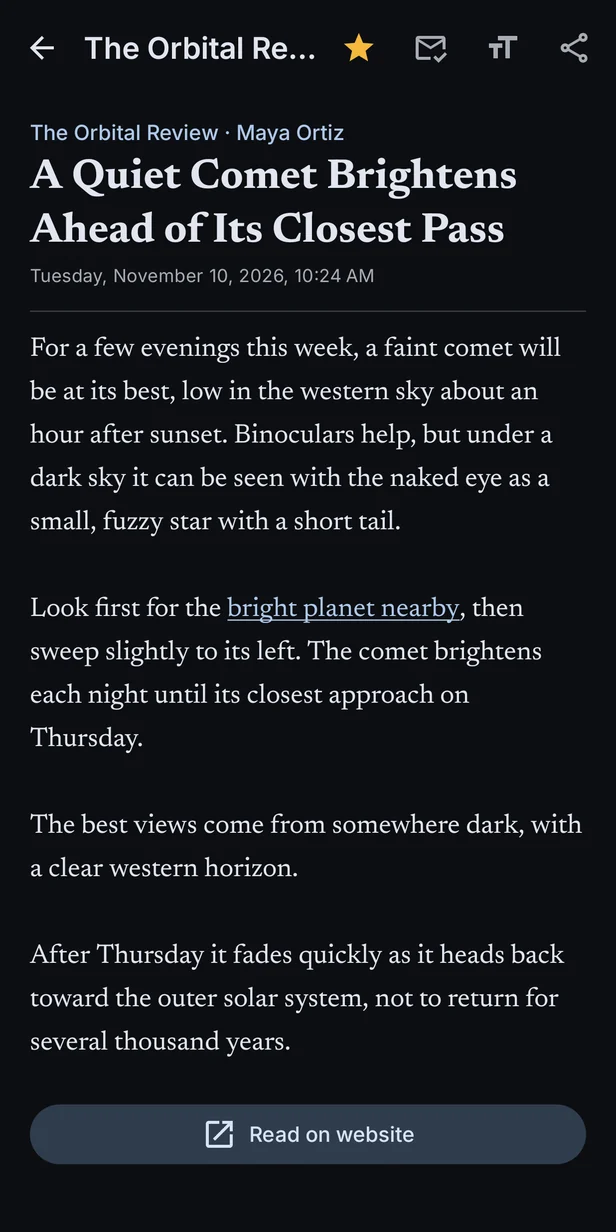
Tap an item to read it. Reader Classic shows the article as the site publishes it in its feed, with paragraphs, emphasis and links intact, set in a typeface made for long reading. Change the text size from the top bar, star the things you want to keep, or open the full article on the site.
Keep up, or catch up
- Unread only hides what you have read. Mark all as read clears a folder, a feed or everything, with an undo if you change your mind.
- Starred items keeps what you want to come back to, and starred items are never cleared away.
- Search finds an item by its title, summary or feed.
- Read items older than a month are tidied away automatically, so the app stays quick.
Feeds it reads
Reader Classic reads RSS 2.0 and its predecessors, RSS 1.0 and Atom, which covers nearly every news site, blog, journal and podcast directory that offers a feed. It asks each site only for what has changed, so refreshing is quick and light on data.
Private by design
- No account. There is nothing to sign up for, and Indevlin runs no server for Reader Classic.
- Direct to the source. Feeds are fetched straight from the sites that publish them; nothing passes through Indevlin.
- Yours to keep. Your subscriptions, folders and reading history stay on your phone, and come with you to a new one through Android’s own backup.
Requirements
| Component | Requirement |
|---|---|
| Device | Android 8.0 or later, phone or tablet |
| Network | An internet connection to refresh your feeds |
Questions
When is it available?
Reader Classic is in development and coming soon to Google Play. Join the Indevlin Discord to hear when it ships.
Is it free?
Yes. Reader Classic shows an occasional ad between items in your list, marked as an ad; there are never ads in the reading view. A one-time purchase in Settings removes them for good, on every device signed in to the same Google account, and Restore purchase picks up a purchase made on another device. See the privacy policy for how ads are served.
Can I bring my subscriptions from another reader?
Not yet. Importing and exporting a subscription list is planned.
A site I read has no feed button. Can I still subscribe?
Usually, yes. Paste the site’s address and Reader Classic looks for the feed the site advertises, and tries the usual places if it does not.
Where can I get help?
Join the Indevlin Discord for help, release news and a say in what comes next, or email us.